
Media safety
96%
Checksum and proxy flow verified before review
Post-production workflow from cut to delivery.
FinishCue keeps Post Bibles, DIT packs, ingest, versions, review notes, approvals, QC, deliverables, final masters, and archive proof in one controlled workspace.

Project
Live operating pulse
Media safety
Checksum and proxy flow verified before review
Approval path
Producer, client, online, and delivery sign-off visible
Delivery matrix
Masters, cutdowns, captions, stems, and platform specs tracked
Archive proof
Manifest, storage location, and retrieval evidence captured


Built around the post suite
FinishCue gives the team one place to see what arrived, what is blocked, what has been approved, what must ship, and what must be archived.
Post-production rooms
FinishCue should feel like the edit suite, the media handover bench, and the delivery desk are finally working from one controlled project record.
Review Room
Editors, producers, and clients can see what is being reviewed, what is approved, and what still blocks delivery.
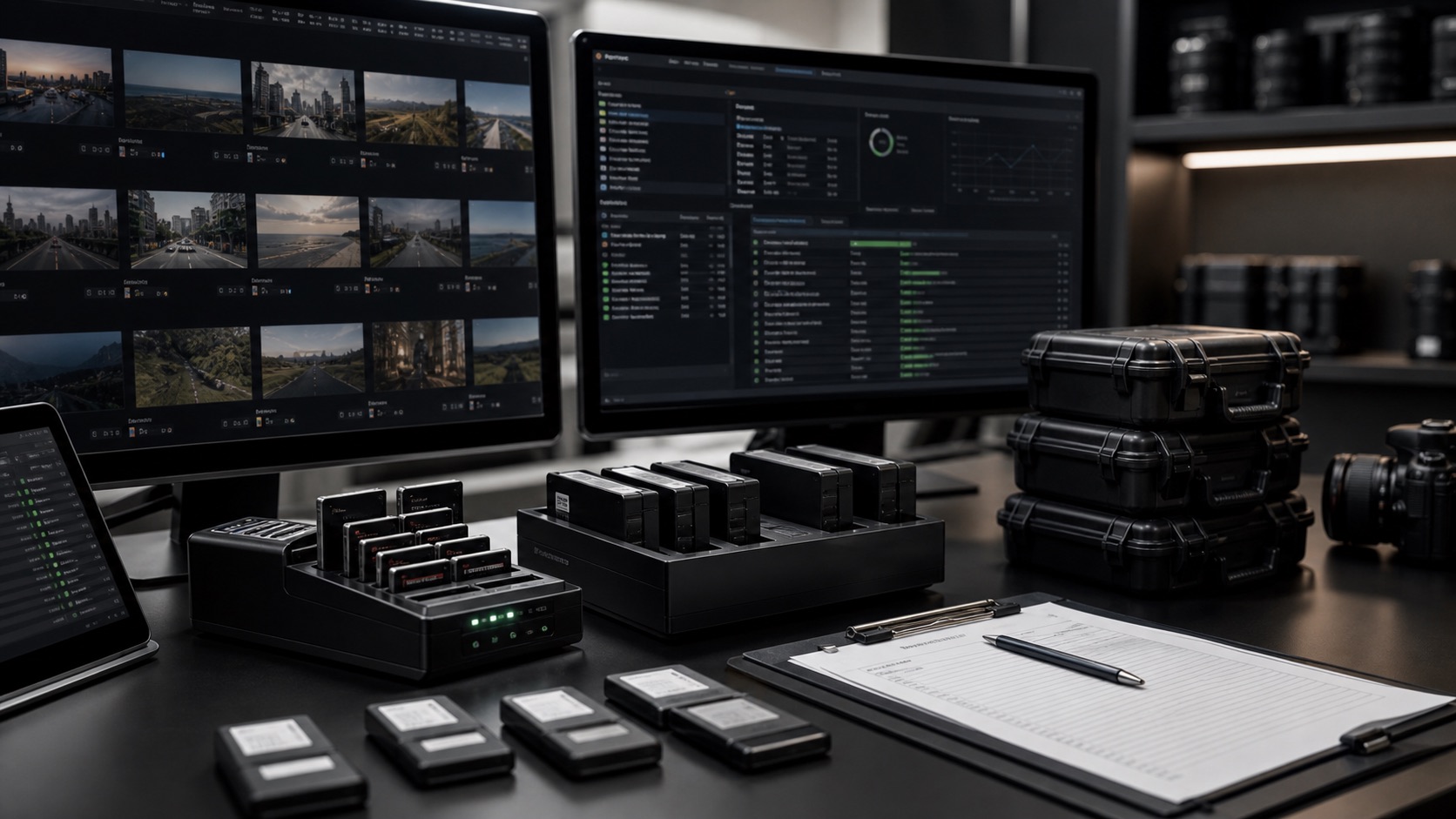
Media Handover
Cards, reports, checksums, proxies, LUTs, sound sync, and escalation notes stay connected to the project record.
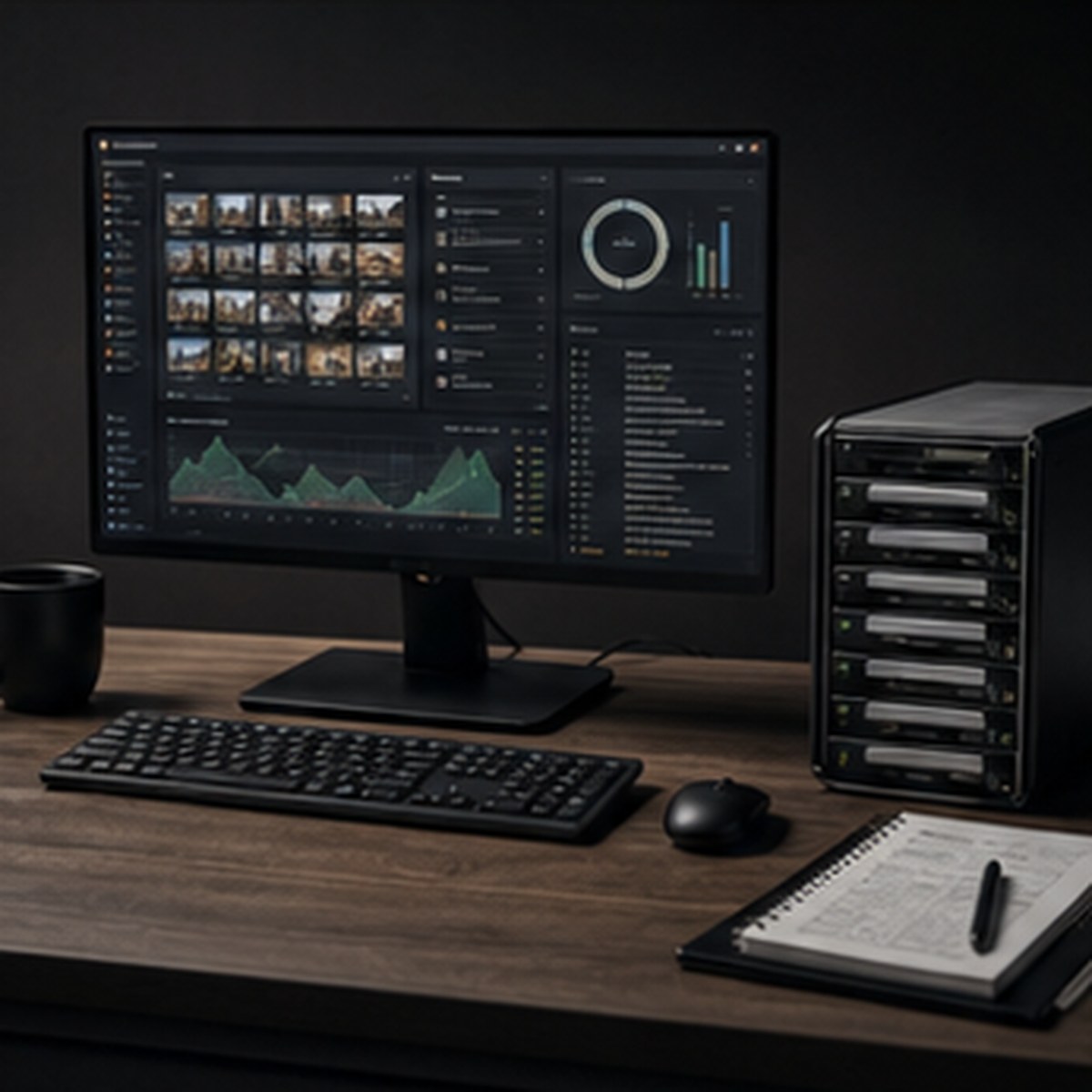
Delivery Control
Deliverables, QC state, platform versions, subtitles, project files, and archive manifests stay visible until close-out.
The problem
Specs live in PDFs. Media notes sit in folders. Versions move through review links. Approvals happen in email. Urgent changes get buried in WhatsApp. QC lives on spreadsheets. Archive proof gets rebuilt after delivery. FinishCue brings the entire post-production truth into one controlled workspace.
Specs, roles, schedules, delivery rules, archive expectations, and workflow standards in one controlled source.
Naming rules, folder structure, checksum requirements, camera reports, sound reports, LUTs, and escalation contacts.
Media intake, checksums, proxies, sync state, missing media, daily cards, and issue logs made visible.
Track cuts, current version, approval state, review links, change history, and the latest source of truth.
Keep notes, client feedback, producer sign-offs, unresolved comments, and approval owners tied to each version.
Online, grade, sound, VFX, captions, subtitles, and QC tasks stay connected to the delivery path.
Masters, stems, platform specs, cutdowns, captions, compliance files, confirmations, and owners in one table.
Final files, source media, project records, manifests, storage locations, retrieval proof, and closeout evidence.
Late notes, missing assets, QC failures, approval blockers, storage gaps, and delivery risks assigned early.
Decisions, specs, exceptions, notes, reports, and final proof stay findable after delivery.
Product proof
The secured workspace opens with project switching, templates, Post Bible records, media handover, ingest, risk, delivery, archive, and team modules.

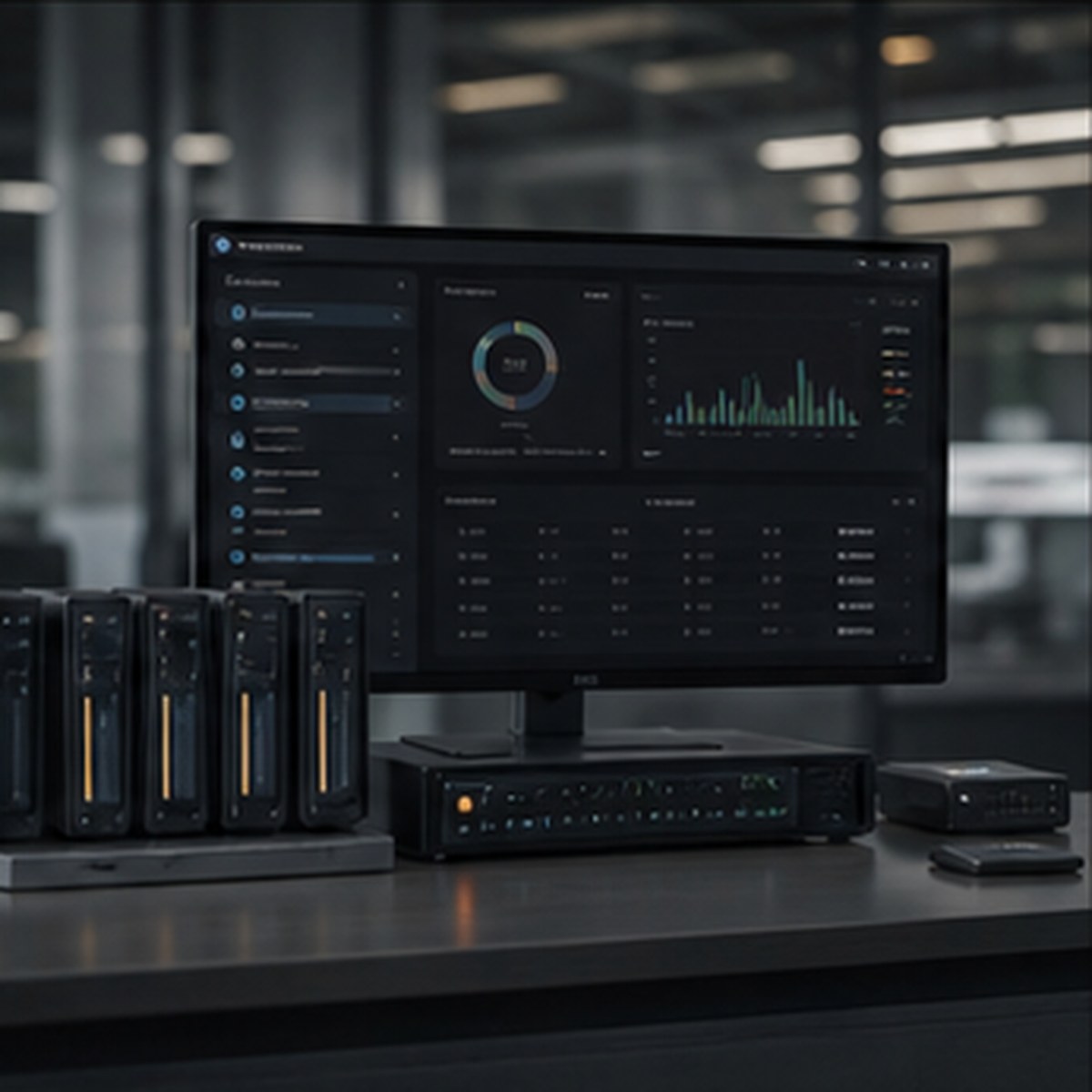
FinishCue workflow
Each project opens from a template, then grows into a full operational record that supervisors, vendors, clients, and executives can trust.
Post Bible, roles, schedule, specs, access, workflow plan, and delivery expectations.
Media handover pack, naming conventions, drive manifests, camera reports, and sound reports.
Media intake, checksums, proxies, sync status, missing media, and issue logs.
Cuts, versions, notes, client feedback, producer approvals, and unresolved comments.
Online, grade, sound, VFX, captions, subtitles, QC, and finishing blockers.
Masters, stems, platform specs, delivery confirmation, and sign-off status.
Final files, project records, archive manifest, retrieval proof, and closeout evidence.
Production handover bridge
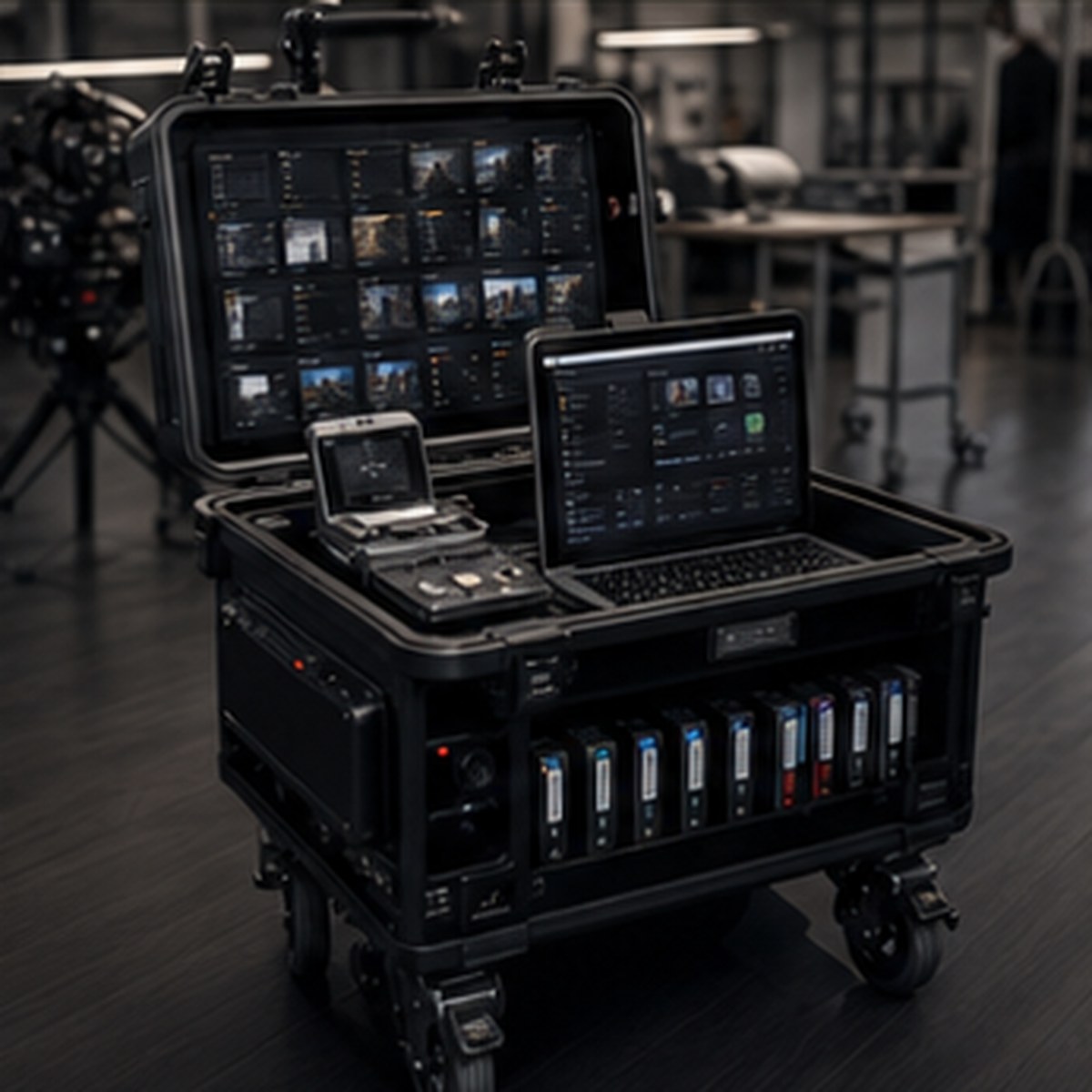
FinishCue gives post supervisors a structured way to define the media workflow before editing begins. The production handover receives clear naming conventions, folder structures, checksum requirements, proxy instructions, delivery rules, and escalation contacts — so post is not forced to clean up confusion after the shoot.
ShootSlate prepares the production day. FinishCue protects the post handover. OnAirGrid carries the final path to air.
Before FinishCue
After FinishCue

Separate company, internal team, vendor, and client visibility with secure workspace sessions.
Project state updates across ingest, risks, delivery, archive, and team records from one interface.
The product is structured for different post-production companies and their active project portfolios.
Ready for real teams
Use the guided setup route for customer conversations, then open the workspace to show the operating modules with confidence. Reviewers and clients can comment or approve without becoming paid operators; paid seats belong to internal control, company workspaces, and operational users.